Hidden information is not the same as random guessing
Dragonsweeper, Dwarf Sweeper and Monstrosweeper share a monster-grid family resemblance, but their counting and combat rules are not interchangeable. Read the reference or tutorial of the game you choose. A rule learned in one can produce the wrong conclusion in another.
Consider whether you want pressure while thinking
2048 waits for a direction before changing the board. JavaScript Tetris asks for placement while pieces fall. Astray adds physical motion to route finding. Each can involve planning, but only some let you pause mentally between every meaningful decision.
Try an interface that fits your device
A mouse-only claim is not a phone certification. If you are on touch hardware, Dungeon Squire and the documented swipe controls in 2048 are stronger starting evidence than a puzzle that merely has a clickable desktop menu. See the touch collection for the distinction between creator statements and physical testing.
Games to compare
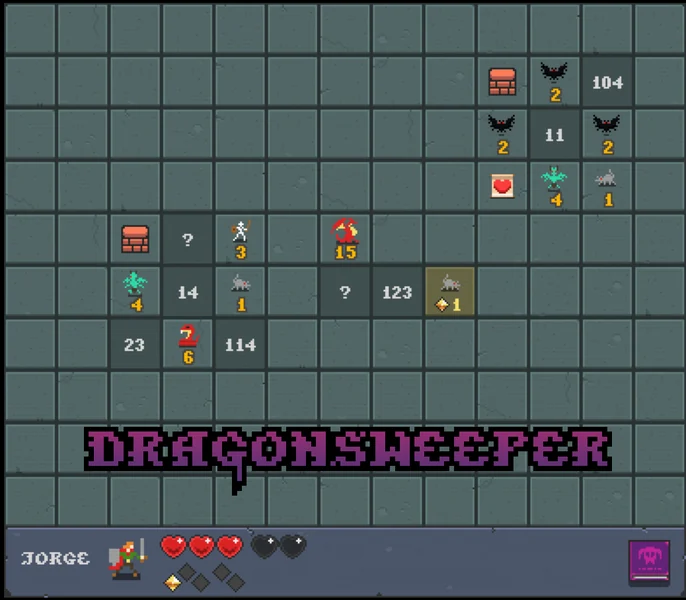
Dragonsweeper
Choose it for learning to read a creature-filled board. The creator’s Monsternomicon instruction is part of learning the puzzle, not an optional lore diversion.
Use the browser game’s pointer interface and read the Monsternomicon before committing to unfamiliar tiles. The official listing does not provide a complete keyboard shortcut reference.
Read the device guidance →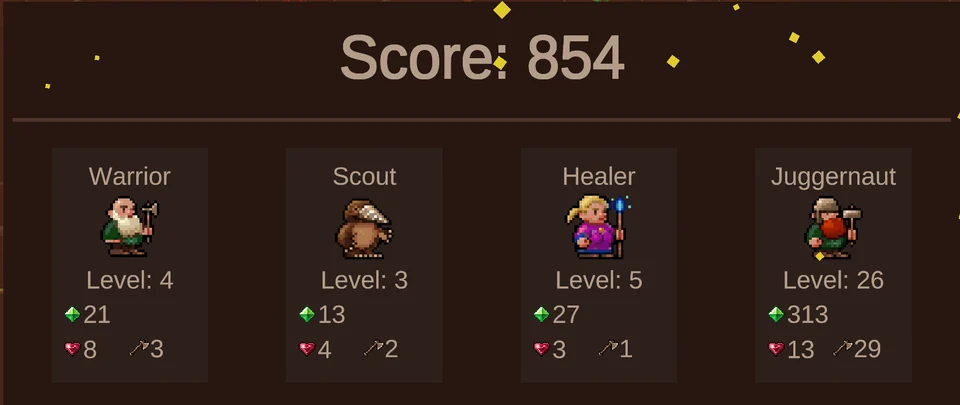
Dwarf Sweeper
Adds squad selection and a defined hidden-monster-strength count. It is a useful contrast if you want the tile choice to include which dwarf takes the risk.
Click a character, then a tile; begin on the Start tile. Mouse-only play is documented, with optional 0–9 and X keyboard annotations for marking tiles.
Read the device guidance →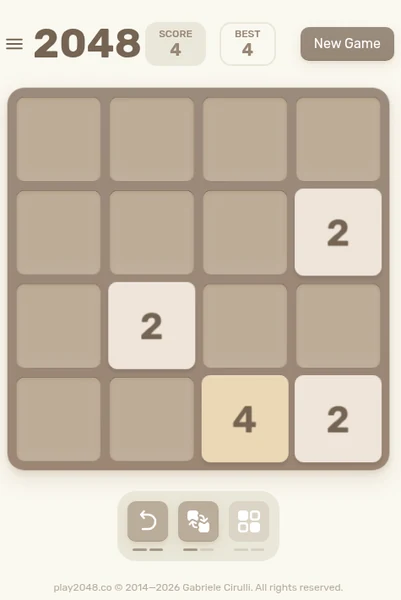
2048
Its whole-board moves make one merge affect many other tiles. Good for players who want to manage space without musical timing.
Use arrow keys on a keyboard or swipe in a direction on touch devices. The original repository documents swipe handling and mobile contributions.
Read the device guidance →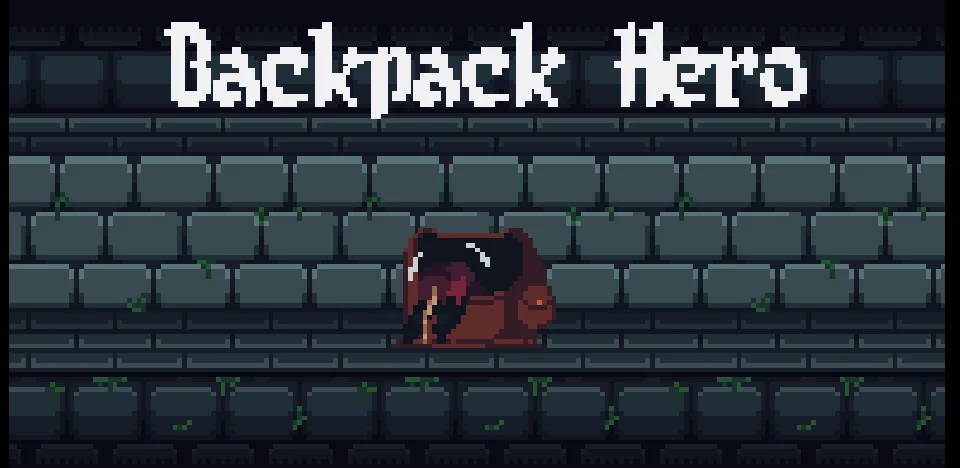
Backpack Hero
Inventory arrangement is a live strategic problem. Pick this if fitting and rotating equipment sounds more interesting than simply collecting the next item.
The creator says to use the mouse. While holding an item, right-click or use arrow keys to rotate it. Read the interactive tutorial for the build’s combat and item rules.
Read the device guidance →
Six Cats Under
Changes the vocabulary from numbers to objects in a house. Progress depends on interpreting what a small ghostly intervention can do.
Point and click on interactive objects in the browser build. Follow the in-game responses to understand which actions change the room.
Read the device guidance →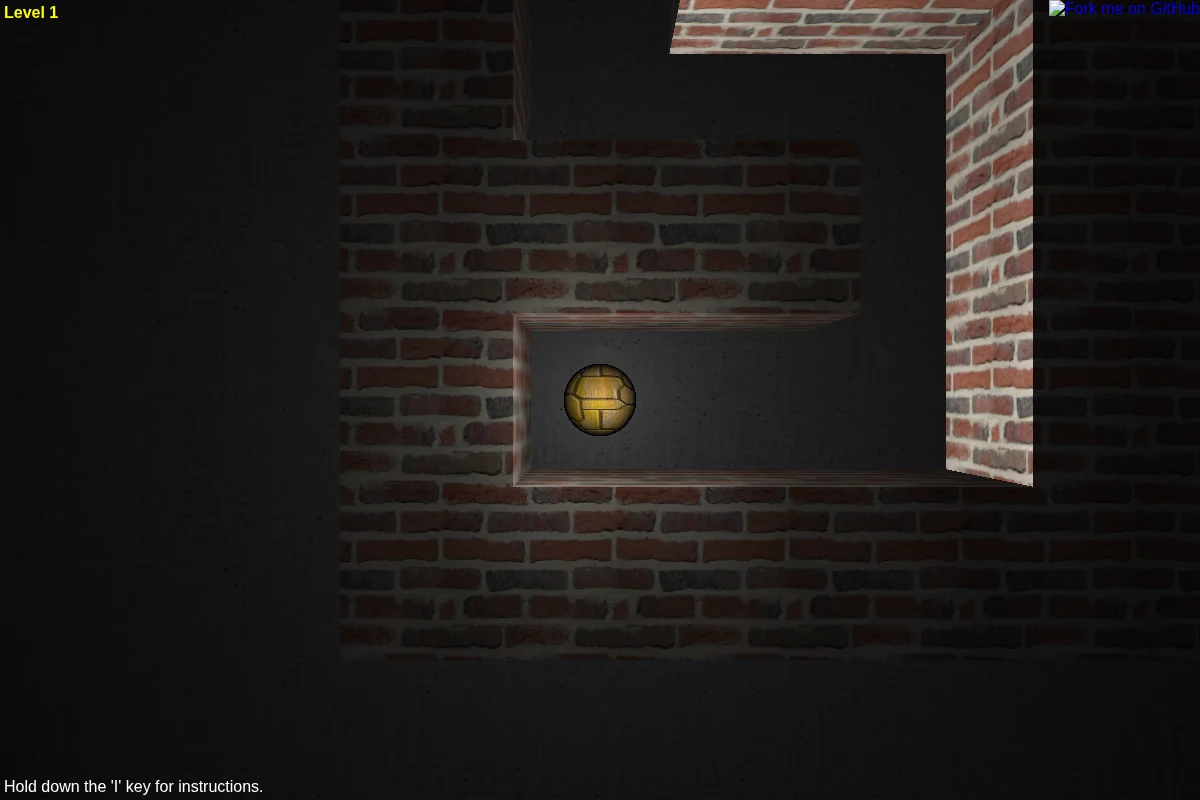
Astray
Makes a maze physical: finding a route and controlling a moving ball are related but separate tasks.
Arrow keys move the ball; the host also lists H/J/K/L. Hold I for instructions. Use a keyboard rather than assuming there is an equivalent touch tilt control.
Read the device guidance →Keep exploring
Use our player guide to compare controls, tone and device evidence. The full catalog also supports search and genre filters. Official sources and verification limits are recorded on every game page.